Jump to content
View in the app

A better way to browse. Learn more.

The Gaming Loft Community

A full-screen app on your home screen with push notifications, badges and more.

To install this app on iOS and iPadOS
  1. Tap the Share icon in Safari
  2. Scroll the menu and tap Add to Home Screen.
  3. Tap Add in the top-right corner.
To install this app on Android
  1. Tap the 3-dot menu (⋮) in the top-right corner of the browser.
  2. Tap Add to Home screen or Install app.
  3. Confirm by tapping Install.

Paul Hart makes time to patrol with his Older more Experienced Employees
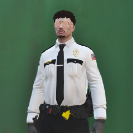
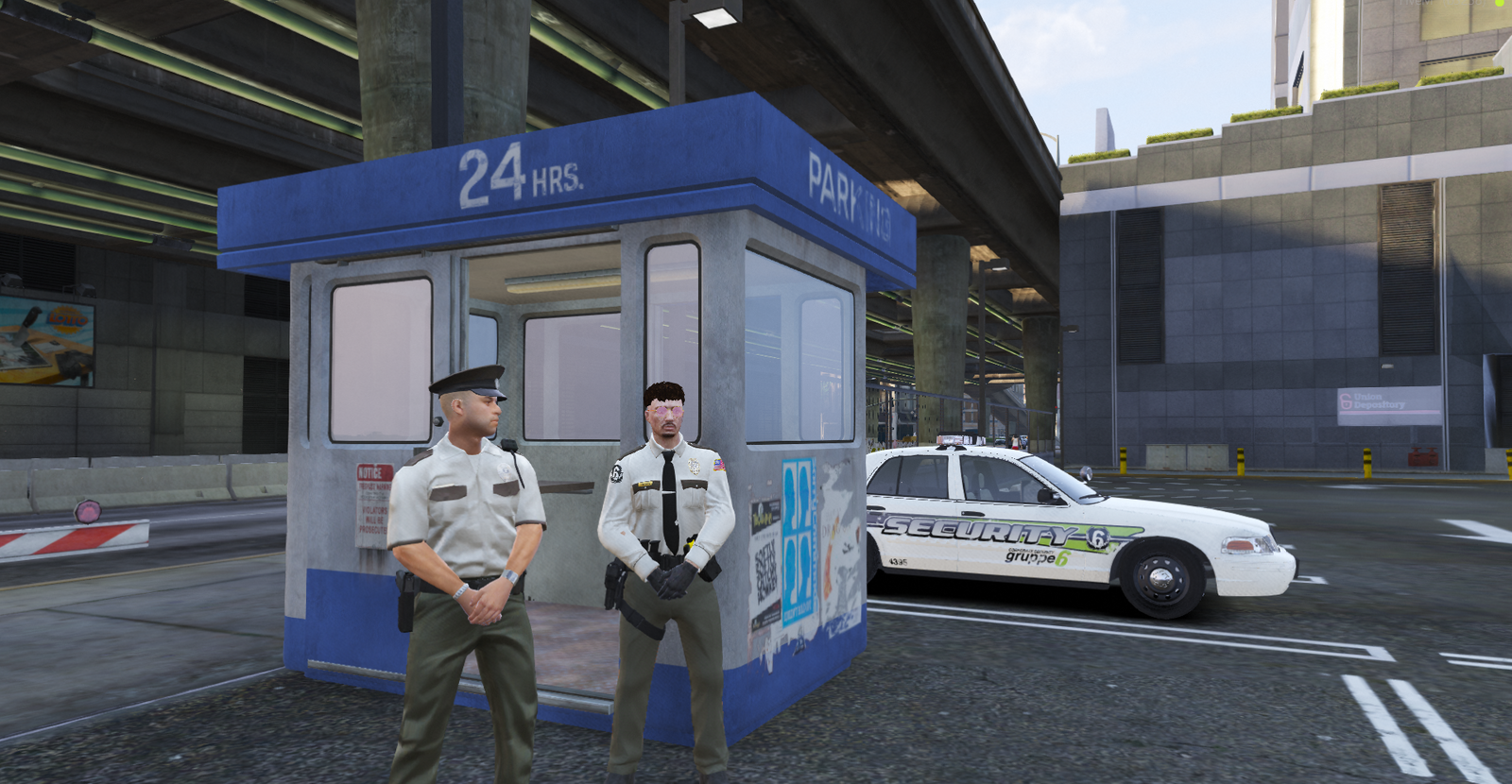
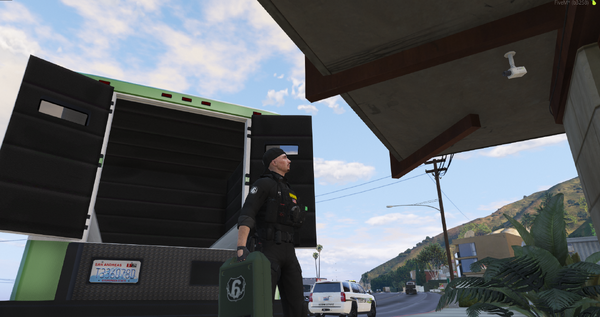
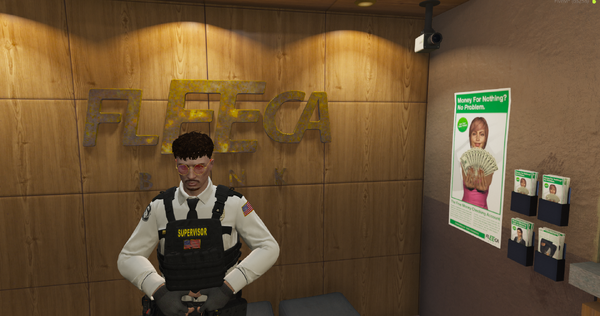
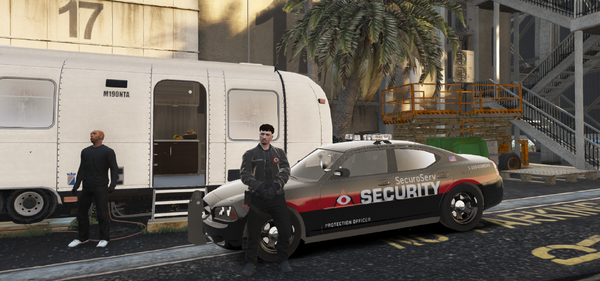
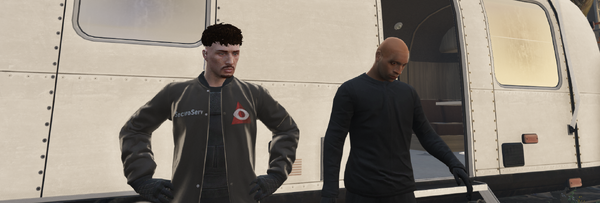
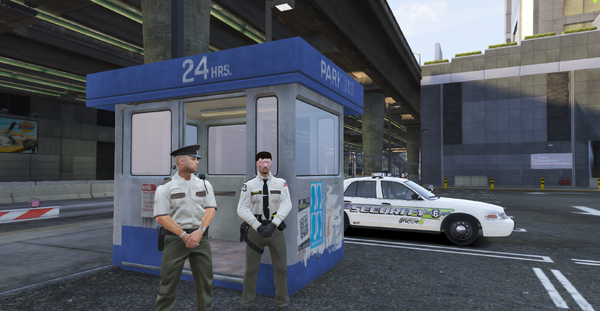
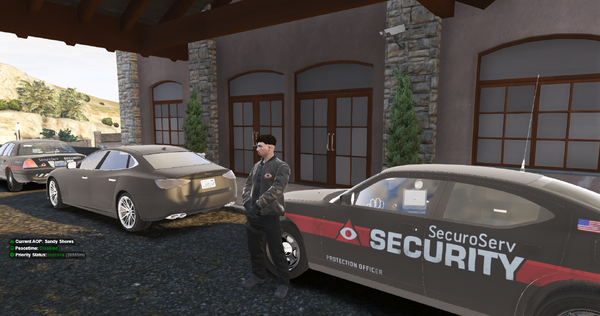
Gruppe Sechs Executive Hart, made time this weekend to patrol with his OG Crew as he calls them, employees who've been with the company since it was first establish back in 80s
Pictured in photo with Mr. Hart, Lenny Breadwinner, Senior Guard for gruppe sechs, has been with the company for 30 years now. Doesn't want to move up any time soon, just waiting for retirement he says.

Credit

EliteSpeedz, Civ-30 GS-1

From the album:

Gruppe Sechs

· 19 images

Account

Navigation

Search

Configure browser push notifications

Chrome (Android)
  1. Tap the lock icon next to the address bar.
  2. Tap Permissions → Notifications.
  3. Adjust your preference.
Chrome (Desktop)
  1. Click the padlock icon in the address bar.
  2. Select Site settings.
  3. Find Notifications and adjust your preference.