About Me
About Me
My IRL name is Marcus, but online I go by Lexor. Most people know me as Lexor, especially within the gaming and roleplay community.
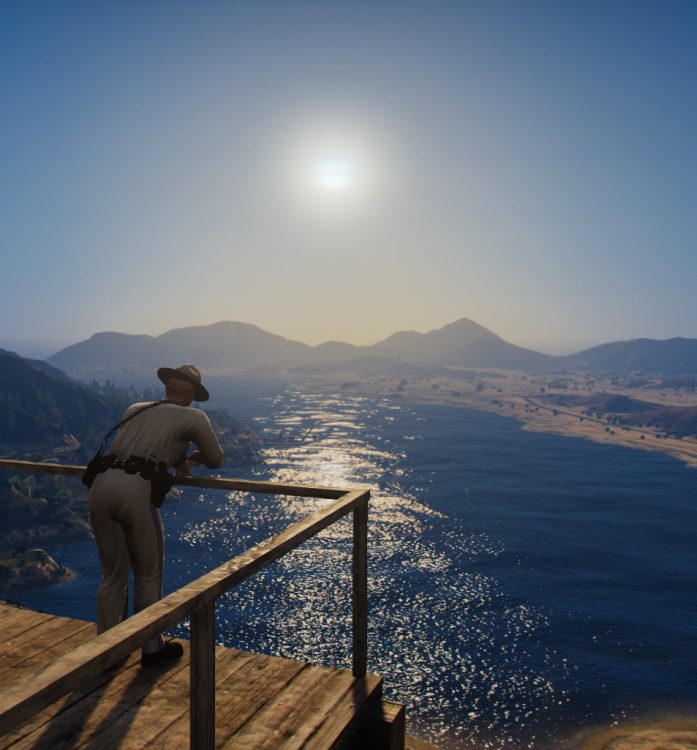
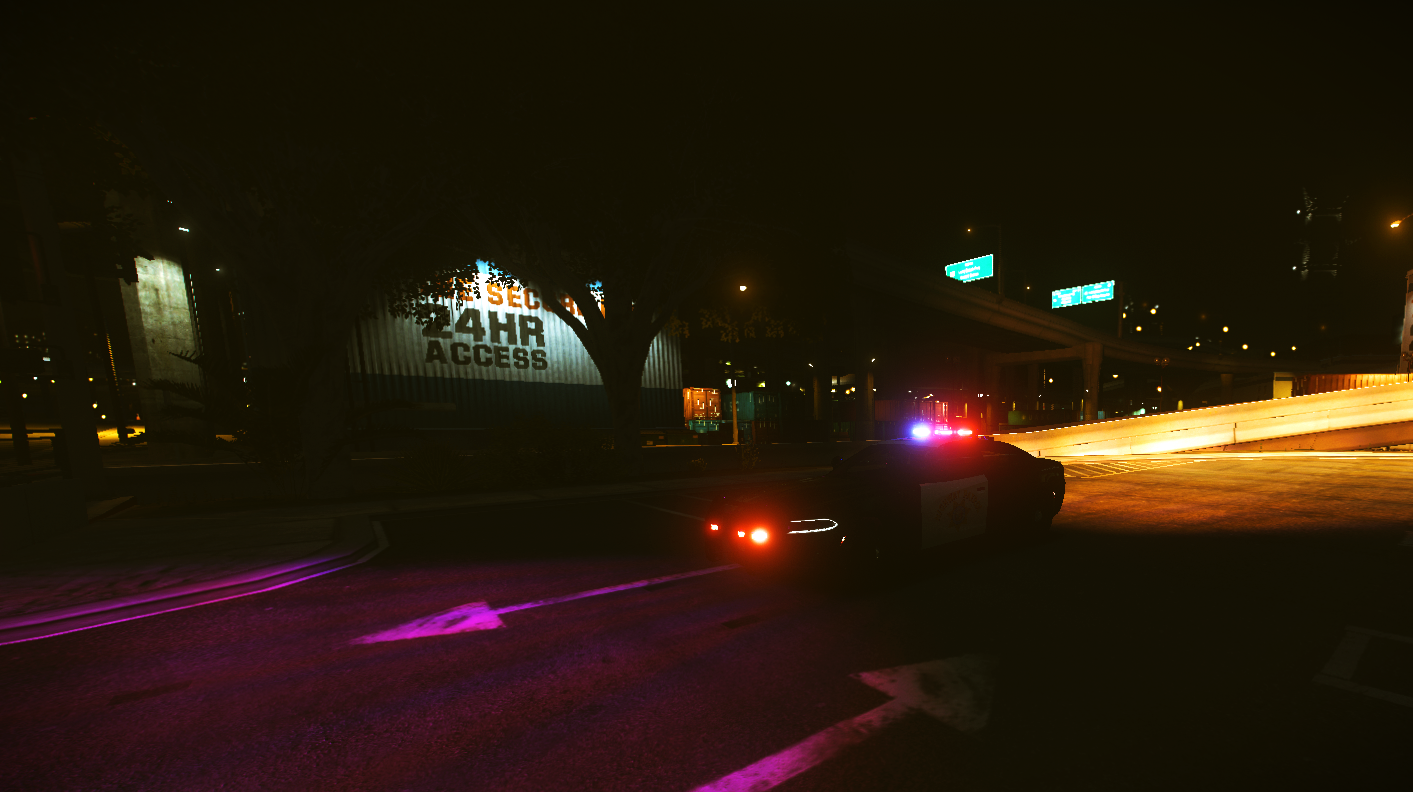
I’m a big fan of FiveM roleplay and enjoy spending my time creating and participating in realistic roleplay experiences. I especially enjoy law enforcement and emergency services roleplay, including police, CHP, fire, and EMS scenarios. I like being part of a community where people can work together, create great scenes, and have fun while keeping roleplay realistic.
Outside of FiveM, I enjoy gaming, creating content, designing graphics, writing, and working on different creative projects. I also enjoy building communities, helping with servers, creating Discord documentation, and coming up with new ideas to make roleplay communities better.
I’m always looking for new things to learn, new people to meet, and new projects to work on. Whether I’m roleplaying, creating content, helping a server, or just hanging out with friends, I’m always trying to have a good time and make something enjoyable for everyone.